This IPTV Roku guide covers every method that works today. Roku devices install apps only from the Roku Channel Store and do not allow installing other apps manually. That is why many people ask whether they can watch IPTV on Roku. The answer is yes, with one of these three methods.
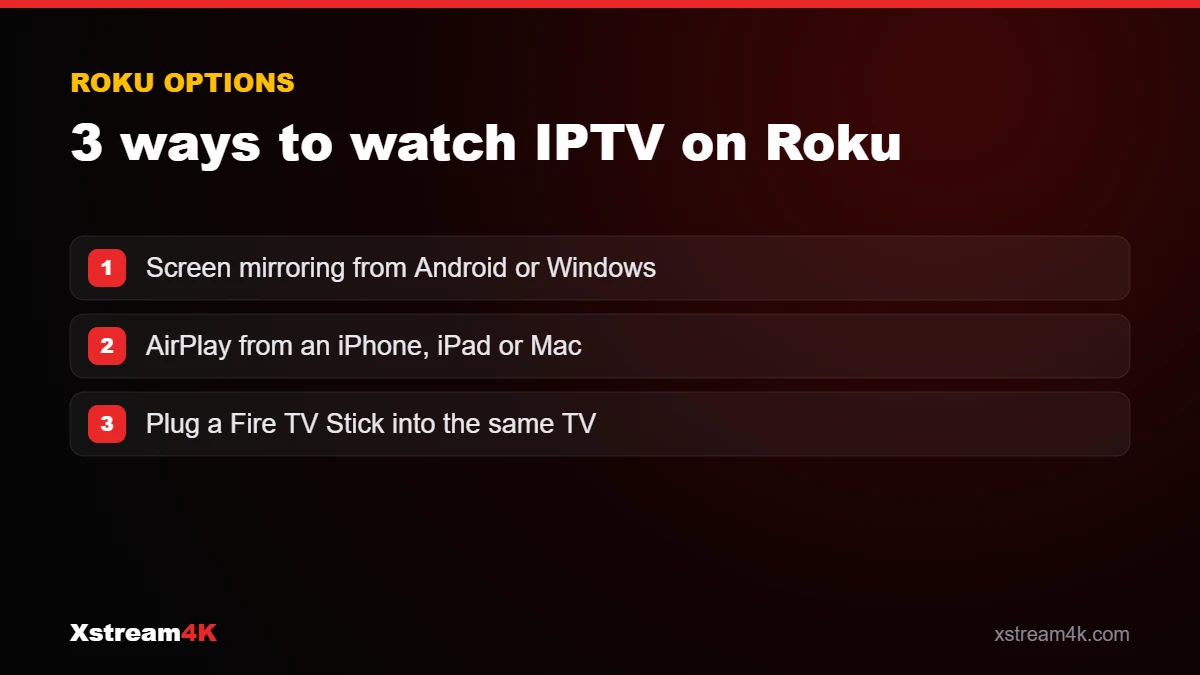
Method 1: Screen mirroring from Android or Windows
- On your Roku, open Settings > System > Screen mirroring and set the mode to Prompt or Always allow.
- On an Android phone, install an IPTV app (see IPTV on Android), then use the Cast / Smart View / Screen mirroring option of your phone and select the Roku.
- On a Windows PC, press Windows + K and select the Roku.
Method 2: AirPlay from iPhone, iPad or Mac
Many recent Roku TVs and 4K Roku players support Apple AirPlay. Set up your subscription on your iPhone (see IPTV on iPhone and iPad), start a channel and tap the AirPlay icon, or use Screen Mirroring in the Control Center.
Method 3: Plug in a streaming stick
For the best quality and the simplest daily use, connect an Amazon Fire TV Stick or an Android TV device to another HDMI port of your Roku TV and run the IPTV app directly. See how to install IPTV on Firestick.
Which method should you choose?
| Method | Best for | Limits |
|---|---|---|
| Screen mirroring | Occasional viewing | Phone must stay on; quality depends on Wi-Fi |
| AirPlay | iPhone and iPad users | Requires an AirPlay-compatible Roku model |
| Streaming stick | Daily viewing, HD and 4K | Requires a second small device |
Which method is best for IPTV on Roku?
Roku devices do not allow apps from outside the Roku Channel Store, so there is no official way to install a full IPTV player. That is why watching IPTV on Roku always involves another device. The right method depends on how often you watch.
Occasional viewing: Roku screen mirroring
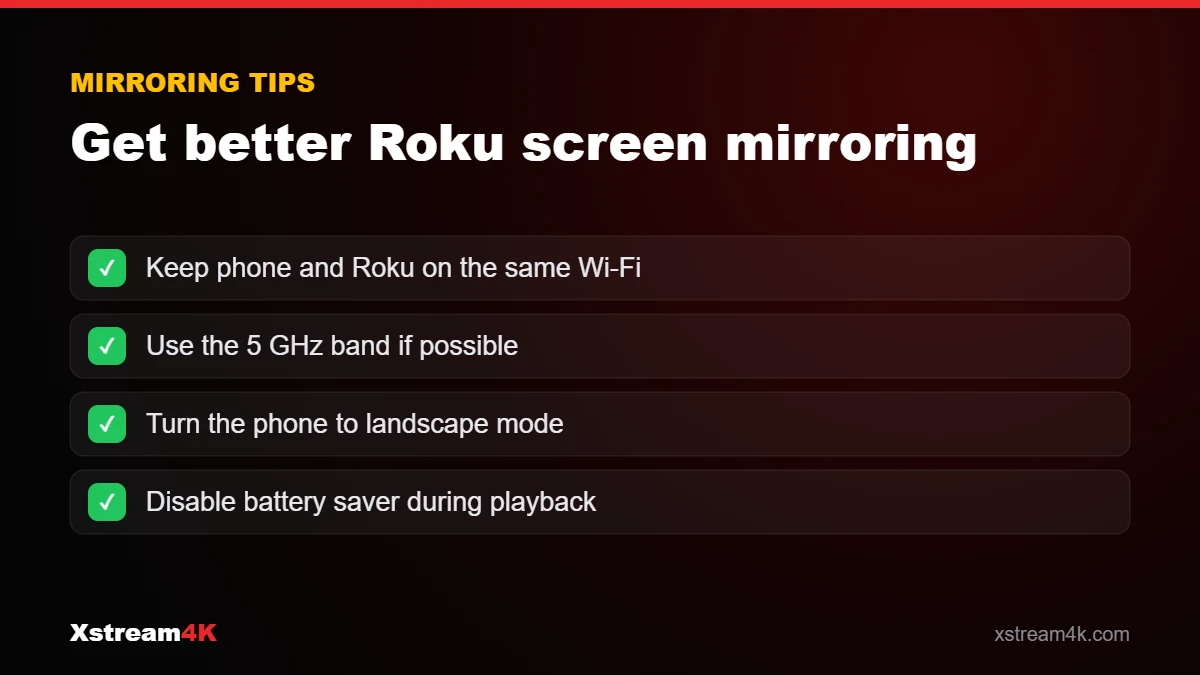
If you watch now and then, Roku screen mirroring from an Android phone or a Windows laptop is free and quick. Install the player app on the phone, log in, then cast the screen to your Roku TV. Quality depends on your Wi-Fi, so keep both devices close to the router.
iPhone users: AirPlay
Many recent Roku TVs and streaming sticks support AirPlay. Set up the app as in our iPhone and iPad guide, then use AirPlay to send the picture to the TV.
Daily viewing: add a second device
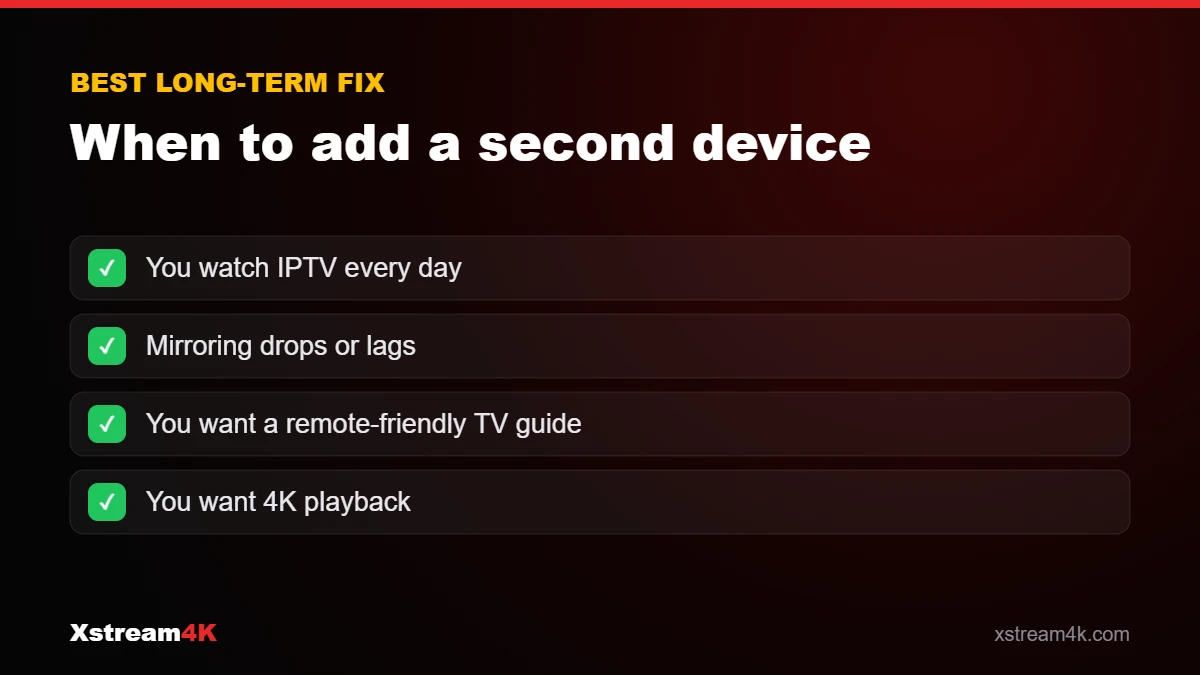
For everyday use, the most reliable way to get IPTV on Roku TV is simply to plug a Fire TV Stick or Android TV box into another HDMI port. You keep your Roku for its own apps and get a full IPTV app with a proper TV guide. See the best devices for IPTV.
IPTV Roku limits to know
- Mirroring uses your phone, so calls or notifications can interrupt playback.
- Picture quality may be limited to HD over mirroring.
- The phone battery drains faster during long matches.
If you are unsure which option suits you, try IPTV on Roku with screen mirroring during a free 24-hour test before deciding.
Frequently asked questions
Is there an IPTV app in the Roku Channel Store?
Some players appear and disappear from the store over time, and few support a standard Xtream Codes login. Mirroring or a streaming stick are more reliable.
Does mirroring reduce the quality?
It can, because the picture is re-encoded and sent over Wi-Fi. Keep both devices close to the router.
Does my subscription work with these methods?
Yes. The subscription runs in the app on your phone, computer or stick; the Roku only displays it.
See also the Roku section of our installation guide.
Watch IPTV on your Roku TV