This guide shows you how to install IPTV Smarters Pro on Firestick step by step, from enabling hidden developer options to logging in, tuning the player and fixing the errors people hit most often. It works on every Fire TV Stick, Fire TV Stick 4K / 4K Max, Fire TV Cube and Fire TV smart TVs. It takes about 10 minutes.
Want a different player? Our general IPTV Firestick tutorial compares the apps that run on Fire TV. If you use Smarters on another device, see IPTV Smarters Pro setup for every device.
Before you install IPTV Smarters Pro on Firestick
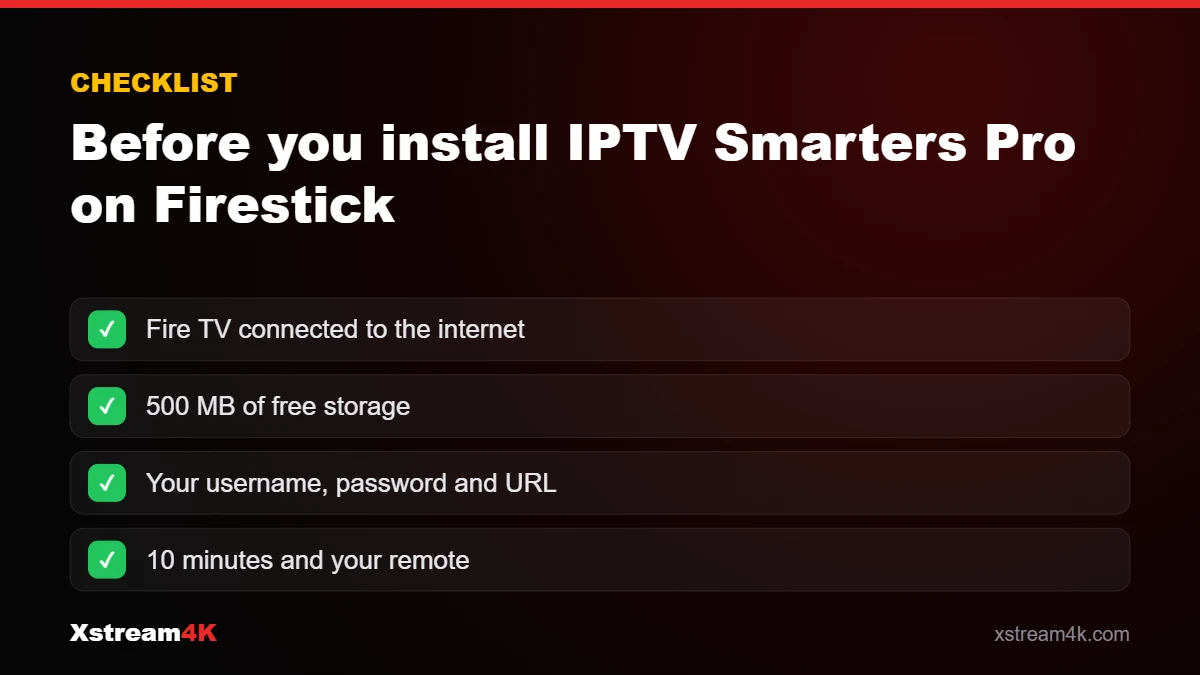
- A Fire TV device connected to the internet (25 Mbps or more for 4K).
- At least 500 MB of free storage: check in Settings > My Fire TV > About > Storage.
- Your Xstream4K login (username, password and server URL). No subscription yet? Request a free 24-hour test.
Step 1: Turn on Developer Options
On recent Fire OS versions the Developer Options menu is hidden. Go to Settings > My Fire TV > About, highlight your device name (for example “Fire TV Stick 4K”) and press the select button on your remote seven times. A message confirms you are now a developer, and Developer Options appears in the My Fire TV menu.
Step 2: Install the Downloader app
From the home screen, open Find > Search, type Downloader and install the orange app published by AFTVnews. Downloader is a free browser and file manager made for Fire TV; it is how most people install apps that are not listed in the Amazon Appstore.
Step 3: Allow Downloader to install apps
Go back to Settings > My Fire TV > Developer Options > Install unknown apps and switch Downloader to ON. This permission applies to Downloader only, not to every app on your device. You can turn it off again after the installation.
Step 4: Download the app and install IPTV Smarters Pro on Firestick
- Open Downloader and allow access to files when asked.
- Select the URL box and type the current official download address of IPTV Smarters Pro, then select Go. The developer’s download address changes from time to time, so message our support team on WhatsApp and we will send you the current official link.
- When the download finishes, select Install, then Done.
- Downloader offers to delete the installation file. Select Delete twice to free storage; the app stays installed.
Only download the app from the developer’s official site: it is the safest way to install IPTV Smarters Pro on Firestick. Copies from unknown websites can be outdated or modified.
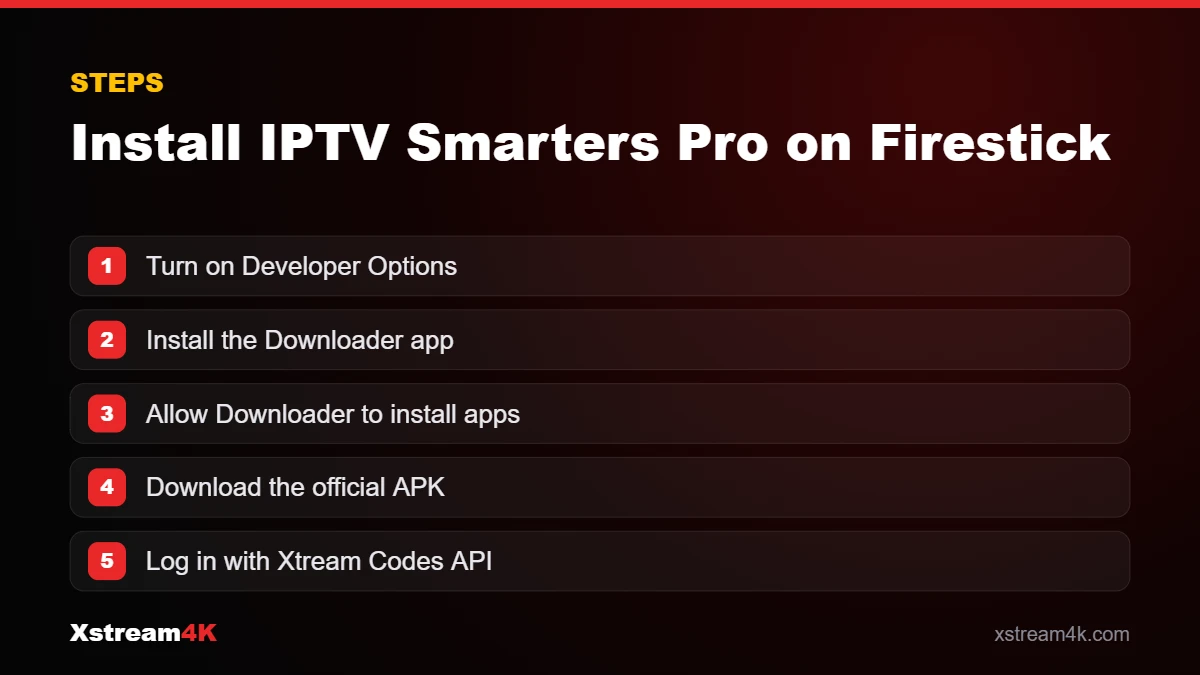
Step 5: Log in with your subscription
Open IPTV Smarters Pro from Your Apps & Channels (hold the Home button and choose Apps if you cannot see it). Accept the terms, then choose Login with Xtream Codes API, the fastest method because it loads live TV, films, series and the TV guide in one go:
- Any name: a label such as Xstream4K.
- Username and Password: exactly as in your welcome message; they are case-sensitive.
- URL: the server address we sent you, including http:// and the port if one is shown.
Select Add user. The first load can take a minute while the channel list and EPG download. You can also log in with an M3U playlist link; our M3U vs Xtream Codes guide explains the difference.
Step 6: Move the app to your home screen
Hold the Home button, choose Apps, highlight IPTV Smarters, press the menu button (three lines) and select Move to front. Next time it opens with one click.
Best IPTV Smarters Firestick settings
- Player: keep the built-in player; if a channel stutters, switch it in Settings > Player Selection or try the VLC option.
- Stream format: if live channels freeze, change the format between default, TS and HLS in Settings and test again.
- TV guide: use Settings > EPG to refresh the guide if programme times look wrong; our IPTV EPG guide covers time-shift settings.
- Parental control: set a PIN and lock adult or selected categories.
- Favourites: long-press a channel to add it to favourites for faster zapping.
Fixing common IPTV Smarters Firestick problems
“App not installed” or the download fails
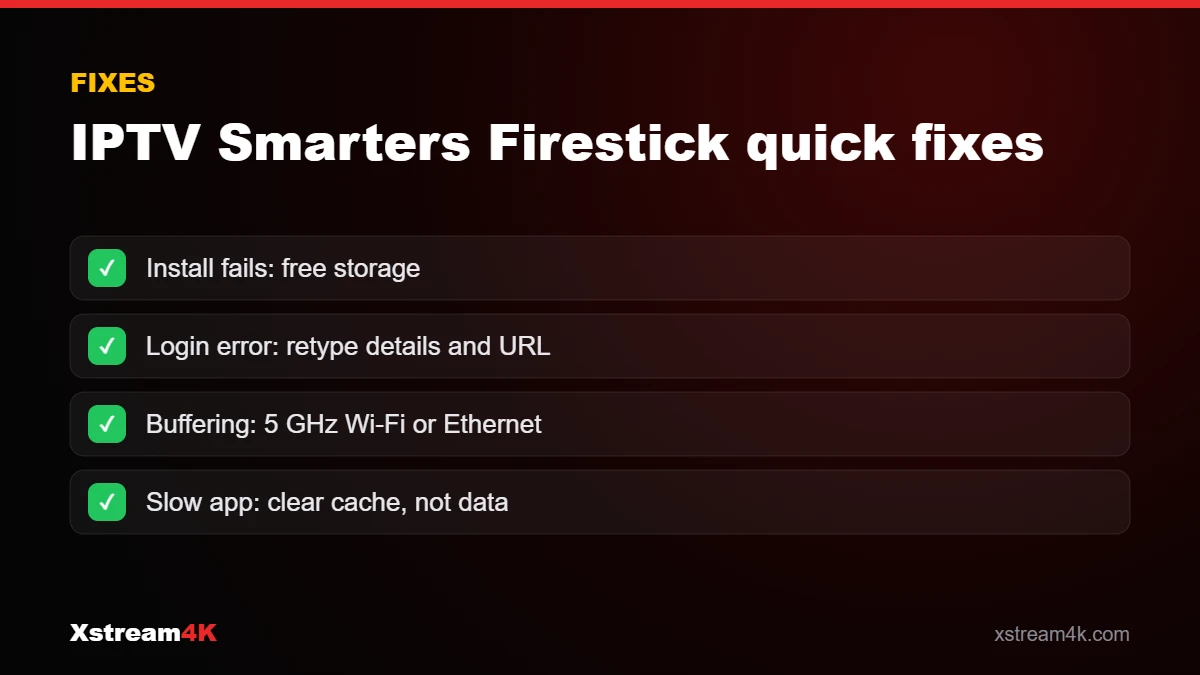
Free storage (clear the cache of unused apps in Settings > Applications > Manage Installed Applications) and check that the URL is typed exactly, including .apk.
“Invalid username or password”
Retype the details carefully, without spaces at the end, and check the URL. If your trial or plan has expired, contact us on WhatsApp.
Buffering or freezing
Use 5 GHz Wi-Fi or an Ethernet adapter, restart the Fire TV Stick once a week and avoid large downloads during live sport. Read the nine fixes in our IPTV buffering guide.
The app is slow or crashes
Go to Settings > Applications > Manage Installed Applications > IPTV Smarters and select Clear cache (not Clear data, which removes your login). Older Fire TV Sticks with 1 GB of memory run Smarters more slowly; a 4K Max is the smoothest choice, see best devices for IPTV.
Fire TV Stick, Fire TV Cube and Fire TV smart TVs: what changes
The steps to install IPTV Smarters Pro on Firestick are the same on every Amazon device, but a few details differ:
- Fire TV Stick Lite and older 1st/2nd-generation sticks: menus can be named slightly differently. If you cannot find Install unknown apps, look for Apps from Unknown Sources in Developer Options.
- Fire TV Cube: it has more memory and an Ethernet port, so the TV guide loads faster and 4K streams are more stable.
- Fire TV smart TVs (Toshiba, Hisense, Panasonic and others): the device name to click seven times is your TV model in Settings > Device & Software > About.
Using IPTV Smarters Firestick controls with the remote
Once the app is running, a few remote shortcuts make daily viewing quicker:
- Up / Down during live TV changes channel without leaving the player.
- Select shows the channel bar and current programme from the EPG.
- Menu (three lines) opens audio track, subtitles and aspect-ratio options.
- Back returns to the channel list while the stream keeps playing in the small preview window.
If the remote stops responding inside the app, hold Home for a few seconds or restart the stick by holding Select and Play together for five seconds. Our team can also check your IPTV Smarters Firestick setup with you over WhatsApp.
How to update IPTV Smarters Pro on Firestick
Apps installed with Downloader do not update automatically from the Appstore. When the app shows an update notice, or about every few months, repeat Step 4 with the same address: the new version installs over the old one and keeps your login. You can find more background on Fire TV devices on Wikipedia.
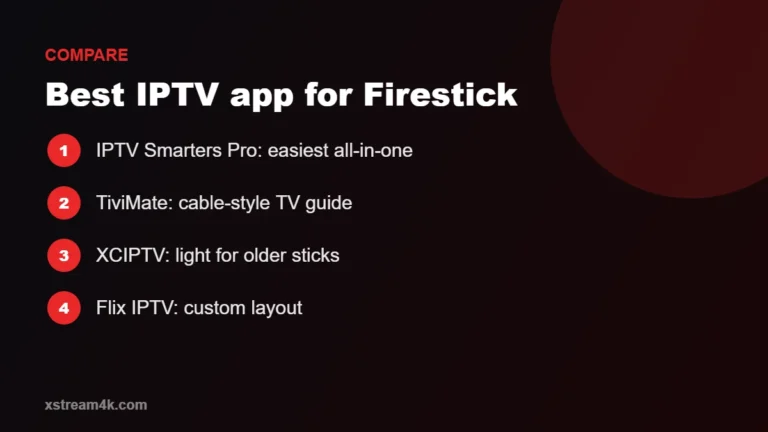
Prefer a different player? See our comparison of the best IPTV app for Firestick.
Frequently asked questions
Is IPTV Smarters Pro free?
Yes, the app is free to download. It is a player: it does not include channels. You need a subscription such as Xstream4K to watch content.
Can I install IPTV Smarters Pro on Firestick without a computer?
Yes. Everything in this guide is done with the Fire TV remote and the Downloader app.
Can I use one login on two Fire TV Sticks?
Only if your plan includes two devices or more. Each plan covers a fixed number of screens at the same time; see plans and prices.
Who can help me install IPTV Smarters Pro on Firestick?
Our team helps you install and log in for free, 24/7, by WhatsApp or email. Start with a free test and we will guide you.