
Home / Test IPTV
Free 24h IPTV trial
Want to try before you buy? Request a free IPTV test with Xstream4K and check the picture quality, stability and app setup on your own device. Your IPTV trial is sent by email or WhatsApp with Xtream Codes or M3U login details.
IPTV test explained
An IPTV test (or IPTV trial) is a short access to the service that lets you try it on your own internet connection and device before choosing a paid IPTV subscription.
See how streams look in SD, HD, Full HD and 4K (depending on the source) on your TV, phone or computer.
Use the trial at different times of day to see how the service behaves on your home connection.
Make sure your player app works well: IPTV Smarters Pro, XCIPTV, Flix IPTV, Smarters Player Lite and more.
How it works
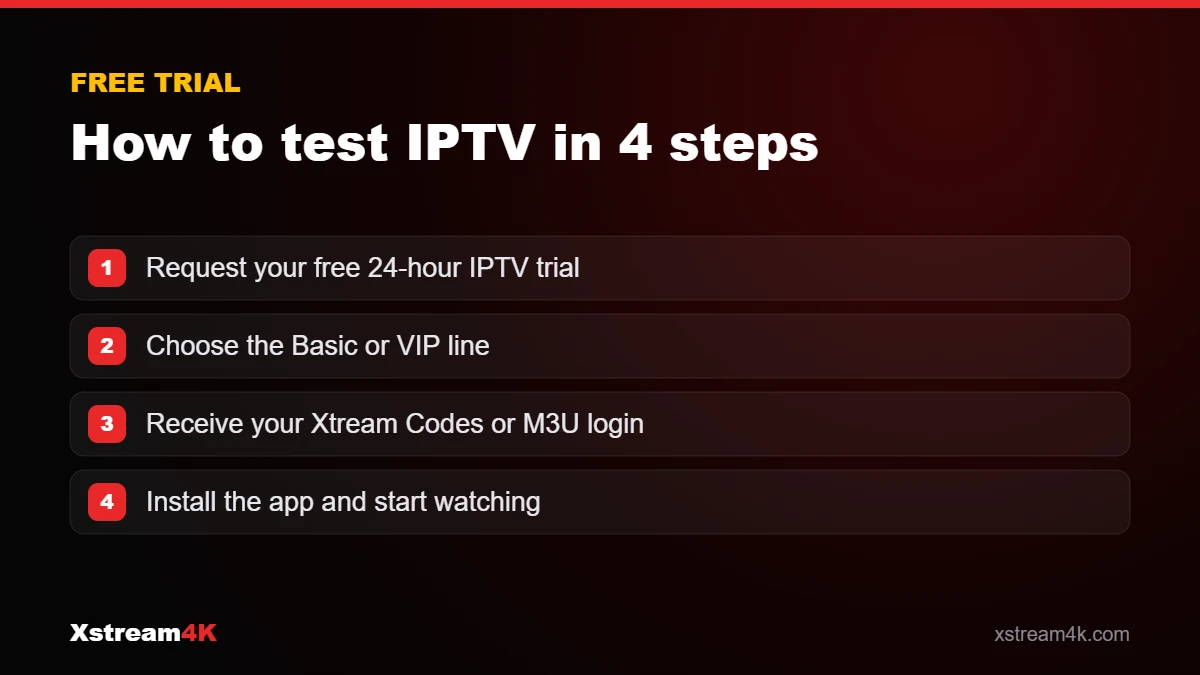
Requesting an IPTV subscription test takes less than a minute.
Click Get my free IPTV test and enter your first name, email, phone number and device.
Pick the plan you want to test so your IPTV trial matches the subscription you are considering.
Our team sends your test access by email or WhatsApp with Xtream Codes or M3U details.
Follow our installation guide for your device and start your test.
Login formats
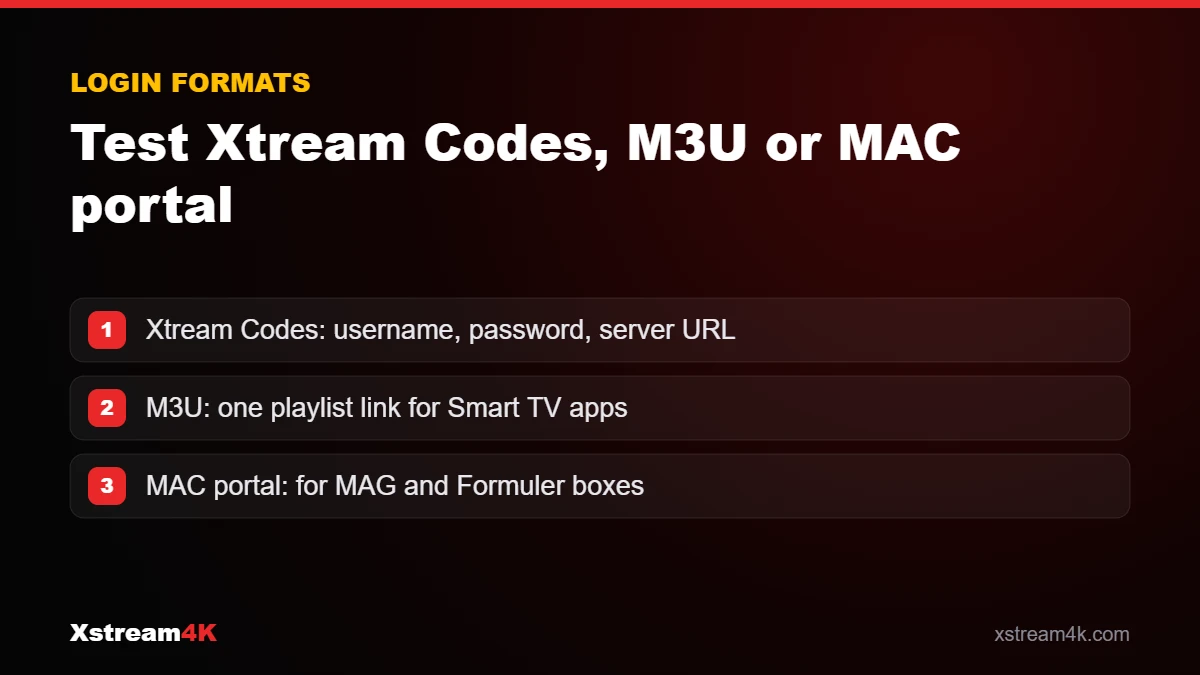
Your IPTV test works with the two most common login formats, so you can use the app you prefer.
A test Xtream Codes account gives you a username, a password and a server URL. It is the fastest way to log in on IPTV Smarters Pro, XCIPTV or Smarters Player Lite, with channels, films, series and the TV guide sorted automatically. Many people search for it as a "test Extreme Code" — it is the same Xtream Codes login.
An M3U link is a single URL that contains your whole playlist. It is ideal for Smart TV apps such as Flix IPTV, or players like VLC. For MAG and Formuler boxes, send us your device MAC address and we activate the portal for your IPTV test.
Compatible devices
Your IPTV trial works on the same devices as our paid plans. Choose your device for step-by-step setup instructions.
Checklist
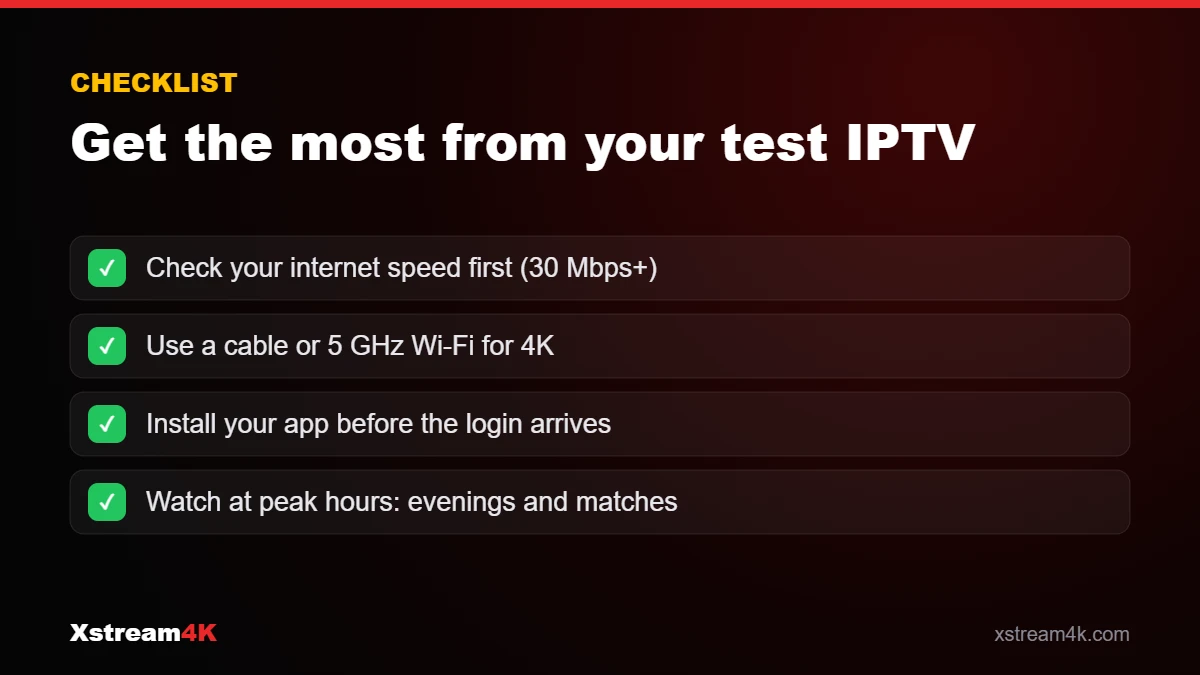
A 24-hour IPTV test goes quickly. Prepare these points to get a clear picture of the service.
Make the most of 24 hours
Twenty-four hours goes quickly. A simple plan helps you judge the service on the moments that matter to you, instead of only browsing the channel list. Install your app before the login arrives, then follow this order.
| When | What to test | What good looks like |
|---|---|---|
| First 15 minutes | Log in, load the channel list and the TV guide | Categories and EPG appear within a minute or two |
| Daytime | Zap between 10–15 channels you watch most | Channels start in a few seconds, picture fits your TV |
| Evening prime time | Watch one channel for at least 30 minutes | No repeated freezing while your household is online |
| During a live event | Follow a match or live show | Stable picture during the busiest moments |
| Before the trial ends | Play a film or series episode, then try a second device if you plan a multi-device plan | Smooth playback and a clear choice between Basic and VIP |
The free trial answers one question: does the service work well on your device and connection? If you want more time, for example to follow a whole weekend of sport, a 1-month plan is a low-cost next step and is covered by our 7-day money-back guarantee. Once you are sure, longer plans cost much less per month; compare them on the pricing page. Viewers in Britain can also read IPTV UK.
After your test
When your IPTV subscription test is over, pick the plan that fits you. Every plan includes the TV guide (EPG), free updates, 24/7 support and our 7-day money-back guarantee.
Reliable streaming on our standard server line. Available for 12, 6, 3 or 1 month, on 1 to 5 devices.
Our premium server line with higher stability, higher quality and a wider selection. Available for 12, 6, 3 or 1 month, on 1 to 5 devices.
Vous cherchez un test IPTV gratuit avant de choisir un abonnement IPTV ? Avec Xstream4K, le test abonnement IPTV de 24 heures fonctionne en France comme ailleurs : remplissez le formulaire, choisissez Basic ou VIP et recevez vos accès Xtream Codes ou M3U par e-mail ou WhatsApp. Ce test IPTV vous permet de vérifier la qualité et la stabilité sur votre Smart TV, Fire TV Stick, Android ou iPhone avant de vous abonner. Pour comparer les formules, consultez notre page abonnement IPTV en français.
FAQ
Yes. The IPTV free trial requires no payment. Fill in the trial form and our team prepares your test access.
The IPTV trial lasts 24 hours, which gives you enough time to check quality and stability on your device at different times of day.
Your test login is sent by email or WhatsApp, depending on the contact details you provide in the form. Check your spam folder if you do not see the email.
Yes. Your IPTV test can be used with an Xtream Codes login (username, password, server URL) or an M3U playlist link, depending on the app you use.
Smart TV, Fire TV Stick, Android, iPhone, iPad, Apple TV, Windows PC, MAG, Formuler and Enigma 2 devices. See the installation guide for each one.
When you request your IPTV trial, choose the plan you want to test. If you have questions about the difference, contact our team on WhatsApp.
Duplicate trial requests made within 24 hours are not processed. If you need more time to decide, contact our support team.
Your test access simply expires. If you are happy with the service, choose a plan on the pricing page; every plan is covered by a 7-day money-back guarantee.
Request your 24-hour IPTV free trial now and see the quality on your own screen.