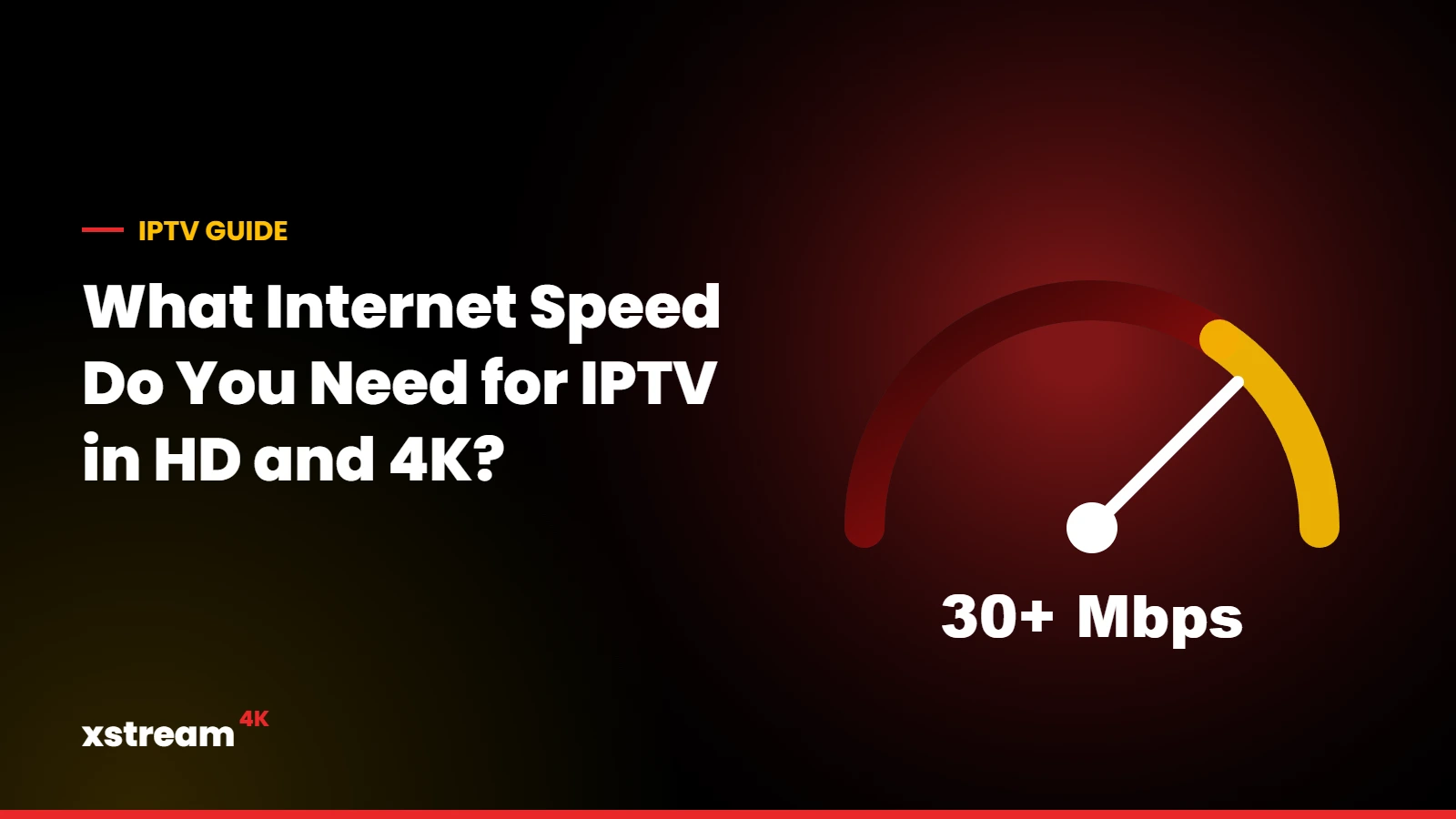
Your internet speed for IPTV decides which quality you can watch smoothly. Here is what to check, with practical figures for one screen and for several screens at the same time.
Our recommendation
For the best experience with Xstream4K, we recommend a download speed of at least 30 Mbps. With this speed everything works smoothly in the highest quality. Lower speeds still work in SD and HD.
Approximate bandwidth per stream
Streaming services commonly use figures in these ranges. The exact value depends on the channel and the compression:
| Quality | Approximate need per screen |
|---|---|
| SD | about 3 to 5 Mbps |
| HD (720p) | about 5 to 8 Mbps |
| Full HD (1080p) | about 8 to 12 Mbps |
| 4K | about 20 to 25 Mbps |
These are guidelines, not guarantees. Live sports at high frame rates and 4K channels need the most bandwidth.
Several screens at the same time
Add the needs of each screen. For example, one 4K TV and two Full HD screens can need around 40 to 50 Mbps in total. If you plan a multi-device plan, check that your connection can handle all the streams together.
How to test your speed properly
- Run the test on the device you watch on (or a phone next to it on the same Wi-Fi), not on a computer next to the router.
- Test in the evening, when networks are busiest.
- Look at the download speed and the stability: large variations between tests often mean a weak Wi-Fi signal.
How to improve your connection
- Use an Ethernet cable for the main TV device.
- Use the 5 GHz Wi-Fi band and place the router in an open, central position.
- Consider a mesh Wi-Fi system for large homes.
- Pause large downloads and updates while watching.
Frequently asked questions
Is upload speed important?
Not much. IPTV mainly uses download speed.
Does IPTV work on mobile data?
It can, but HD and 4K use a lot of data. Wi-Fi or a wired connection is recommended at home.
Not sure your connection is good enough?
Ask for a free trial to test the quality on your own network before buying.
Test the quality on your connection