When you receive your IPTV subscription, you may see several ways to connect it: an M3U link, an Xtream Codes login or a MAC portal. They all give access to the same content, but each one is made for different apps and devices. This guide compares M3U vs Xtream Codes vs MAC portal so you can choose the right one.
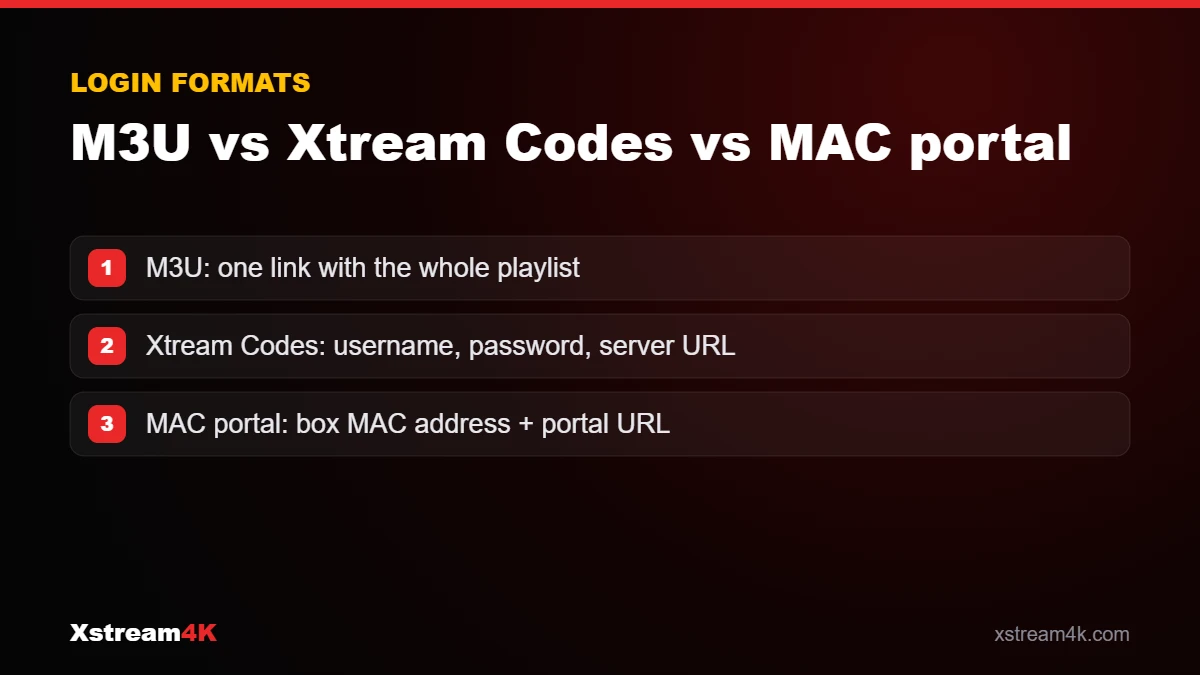
Xtream Codes API: username, password and server URL
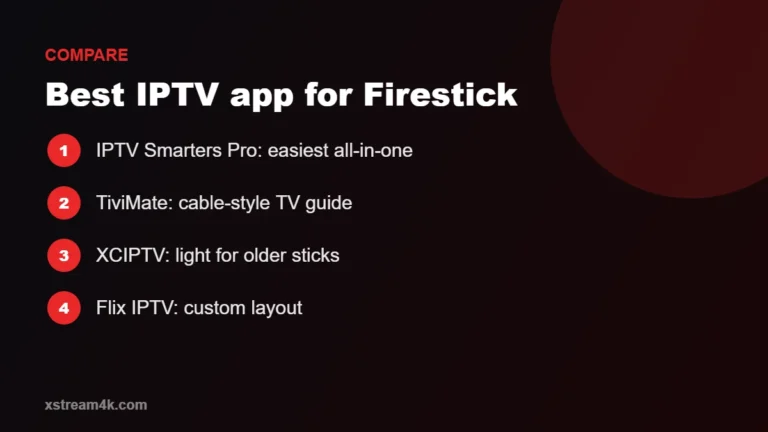
An Xtream Codes login has three parts: a username, a password and a server URL. Apps such as IPTV Smarters Pro, Smarters Player Lite and XCIPTV support it.
- Pros: easy to type, loads live TV, movies, series and the TV guide in separate sections, updates automatically.
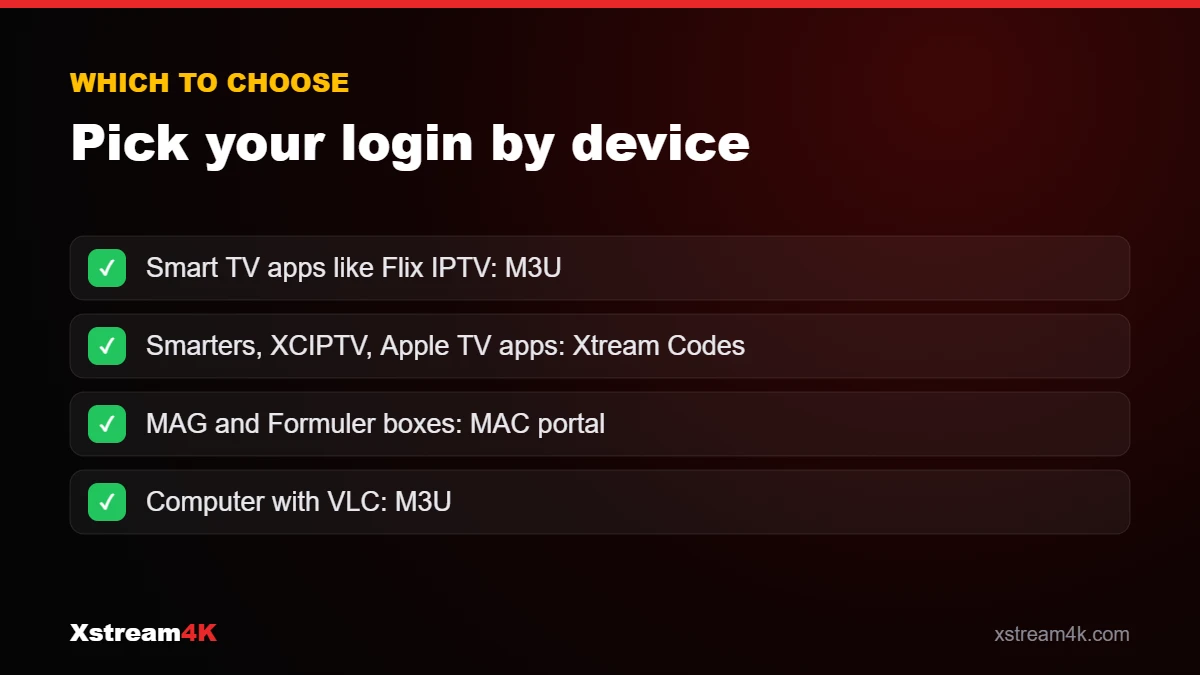
- Best for: Firestick, Android, iPhone, Apple TV, Smart TVs with IPTV Smarters.
M3U playlist: one link for everything
An M3U link is a single URL that contains the full list of channels and content. Many players accept it, including Flix IPTV, VLC and numerous Smart TV apps.
- Pros: works with almost every IPTV player, easy to copy and paste.
- Cons: long link, and large playlists can take longer to load on some apps.
- Best for: apps that only accept playlists, such as Flix IPTV on Samsung and LG TVs.
MAC portal: for MAG and Formuler boxes
Set-top boxes such as MAG and Formuler use a portal URL linked to the box’s MAC address. You send us the MAC address shown on your box, we activate it, and you enter the portal URL in the box settings.
- Pros: TV-like interface, no login to type on the remote.
- Best for: MAG 250/254/256 and other MAG devices, Formuler with MYTVOnline.
Quick comparison
| Login type | What you enter | Typical apps / devices |
|---|---|---|
| Xtream Codes | Username, password, server URL | IPTV Smarters Pro, XCIPTV, Smarters Player Lite |
| M3U | One playlist link | Flix IPTV, VLC, many Smart TV players |
| MAC portal | Portal URL + activated MAC address | MAG, Formuler (MYTVOnline) |
| Enigma 2 | Installation script (iptv.sh) | Enigma 2 receivers |
M3U vs Xtream Codes: practical differences you will notice
On paper, M3U vs Xtream Codes looks like a technical choice. In daily use, the differences are about updates, the TV guide and how easy it is to log in.
Updates
An Xtream Codes login always loads the current channel list from the server. With an M3U link, some apps keep a saved copy, so you may need to reload the playlist to see changes.
TV guide and categories
An Xtream Codes login brings live channels, films, series and the guide in separate sections automatically. M3U apps sometimes need a separate EPG link; see our IPTV EPG guide.
Typing on a TV
Some Smart TV apps, such as Flix IPTV, let you upload an M3U link from a website instead of typing on the remote. That is why M3U is popular on Samsung and LG TVs; see our Flix IPTV setup guide.
Where the MAC portal fits
A MAC portal is neither M3U nor Xtream Codes: the box is recognised by its MAC address. It suits MAG and Formuler devices; follow the IPTV MAG box setup. If you are unsure, ask for an Xtream Codes login: it works in the most apps.
Which one should you choose?
- Your app offers Login with Xtream Codes API? Use it: it is usually the simplest.
- Your app only asks for a playlist? Use the M3U link.
- You have a MAG or Formuler box? Use the MAC portal.
Whatever you choose, the details are case-sensitive: copy them exactly. Our installation guide shows the exact steps for each device, and our team can tell you which details you need via WhatsApp.
Get your IPTV login for any device