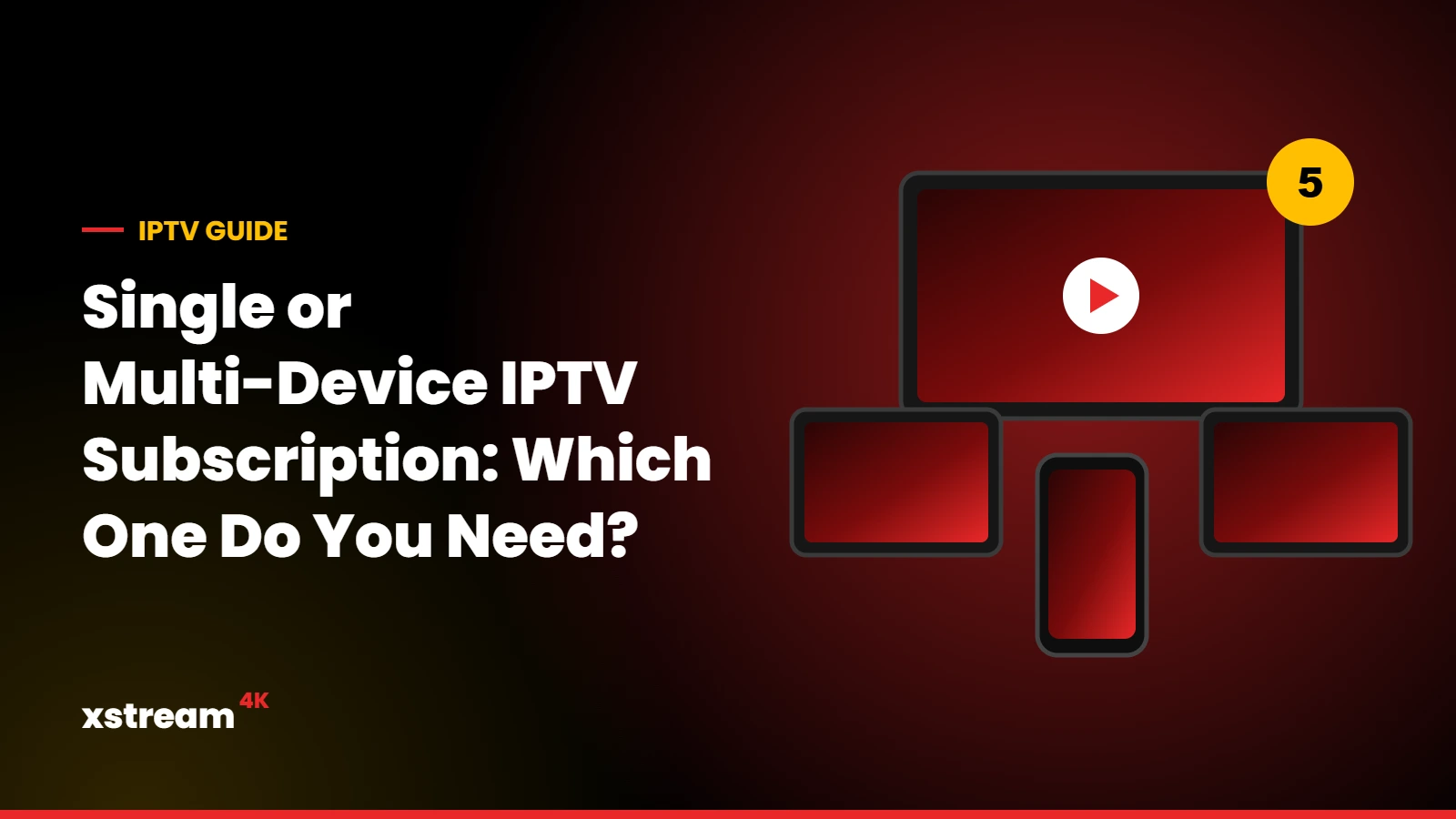
Many households watch on more than one screen: the living room TV, a bedroom TV, a tablet or a phone. Before you order, it is important to understand the difference between a single-device plan and a multi-device IPTV subscription.
Installing on several devices vs watching at the same time
You can install your Xstream4K account on as many devices as you like. What matters is how many devices play at the same moment:
- A single-device plan works on 1 device at a time. You can switch from the TV to your phone, but not watch on both simultaneously.
- A multi-device plan lets 2, 3, 4 or 5 devices play at the same time with one subscription.
How to choose the number of devices
- Count the screens used at the same time at the busiest moment, for example during a big match or in the evening.
- Add one if family members often watch on their phones while the TV is on.
- Choose the duration: 1, 3, 6 or 12 months. The 12-month plan has the lowest price per month.
Xstream4K multi-device prices
Every package (Basic or VIP) is available for 1 to 5 devices and for 1, 3, 6 or 12 months. With more devices, the price per device is lower. For example, a Basic 12-month plan costs $49 for 1 device and $169 for 5 devices, which is $2.82 per device per month. See all combinations and the exact prices on our pricing page.
Basic or VIP for several devices?
The difference between them lies in stability, streaming quality, and the number of available channels and movies. Basic includes +21.000 channels and +122.000 VOD; VIP offers better stability and higher quality with +50.000 channels and +230.000 VOD. If several people watch live sports or 4K at the same time, VIP is a good choice.
Do you need a faster internet connection?
Yes: each stream uses bandwidth. We recommend at least 30 Mbps for smooth Full HD and 4K on one device. For several screens at the same time, make sure your connection has enough capacity for all of them, and use an Ethernet cable for the main TV when possible.
Frequently asked questions
Can I upgrade from 1 to more devices later?
Contact our support on WhatsApp or via the contact page and we will help you choose the right plan.
What happens if I open more streams than my plan allows?
The additional stream will not start until another device stops watching.
Related guides
Choose 1 to 5 devices in a few clicks