The best IPTV app for Firestick depends on how you watch: a simple all-in-one player, a channel-surfing TV guide experience, or a lightweight app for an older stick. This guide compares the players most Fire TV owners use, explains which login each one accepts, and shows how to install them.
An IPTV app is only a player: it does not include channels. You add the login from your provider (Xtream Codes, M3U playlist or portal). If you need one, start with a free 24-hour Xstream4K trial.
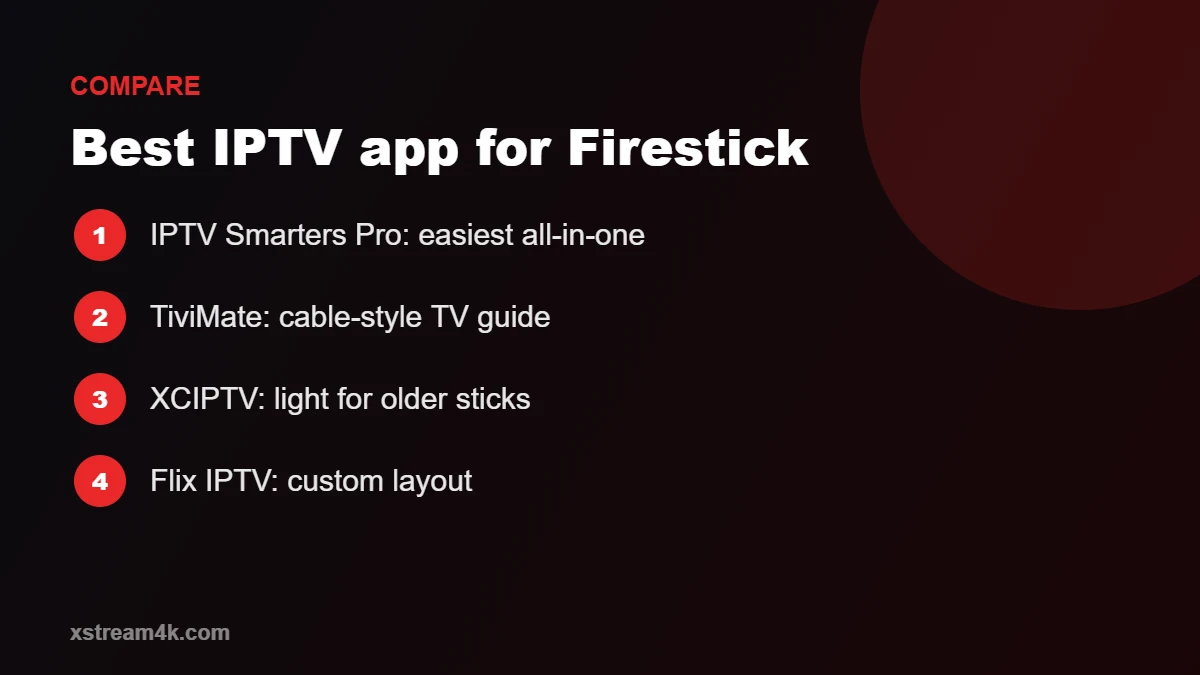
Best IPTV app for Firestick: quick comparison
| App | Logins | Best for | Cost model |
|---|---|---|---|
| IPTV Smarters Pro | Xtream Codes, M3U | Beginners, live TV + films + series in one place | Free player |
| TiviMate | Xtream Codes, M3U | Cable-style TV guide and fast zapping | Free version; extra features with a paid premium plan |
| XCIPTV | Xtream Codes, M3U | A clean, lightweight interface | Free player |
| Flix IPTV | M3U (uploaded via website) | Customisable layout, multi-screen | Trial, then a paid activation |
| VLC | M3U | Quick testing of a playlist link | Free, open source |
Developers change features and prices, so always check the app’s own page before paying for an upgrade.
IPTV Smarters Pro: the easiest IPTV app for Firestick
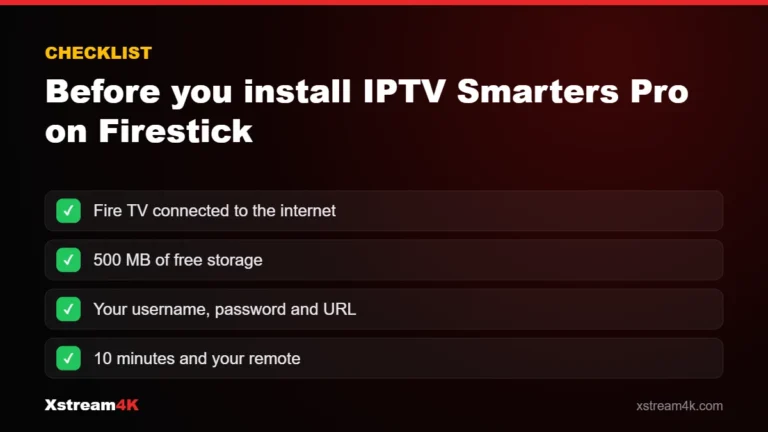
IPTV Smarters Pro is the app we recommend to most first-time users. You log in once with Xtream Codes and it loads live channels, movies, series and the TV guide in separate sections. It handles parental controls, favourites and external players. Follow our step-by-step guide to install IPTV Smarters Pro on Firestick, then see IPTV Smarters Pro setup for settings.
TiviMate: best for a cable-style TV guide
TiviMate is built around live TV. Its grid TV guide looks and feels like a cable box, channel switching is fast, and you can arrange channels into custom groups. Some features, such as recording and multiple playlists, require the paid premium version. TiviMate focuses on live channels, so people who mainly watch films and series often prefer Smarters. It works best when your provider’s guide data is complete; our IPTV EPG guide explains how to fix a missing guide.
XCIPTV: best lightweight IPTV app for Firestick
XCIPTV has a clean menu and runs well on older sticks with less memory. It accepts Xtream Codes and M3U logins. Setup is almost identical on Fire TV and Android; see XCIPTV setup.
Flix IPTV and VLC
Flix IPTV lets you upload an M3U playlist through its website using your device’s MAC address, and offers a highly customisable look. After its trial period it requires a paid activation. Our Flix IPTV setup guide walks through activation. VLC is not a full IPTV app, but it is a quick way to check whether a playlist link plays at all.
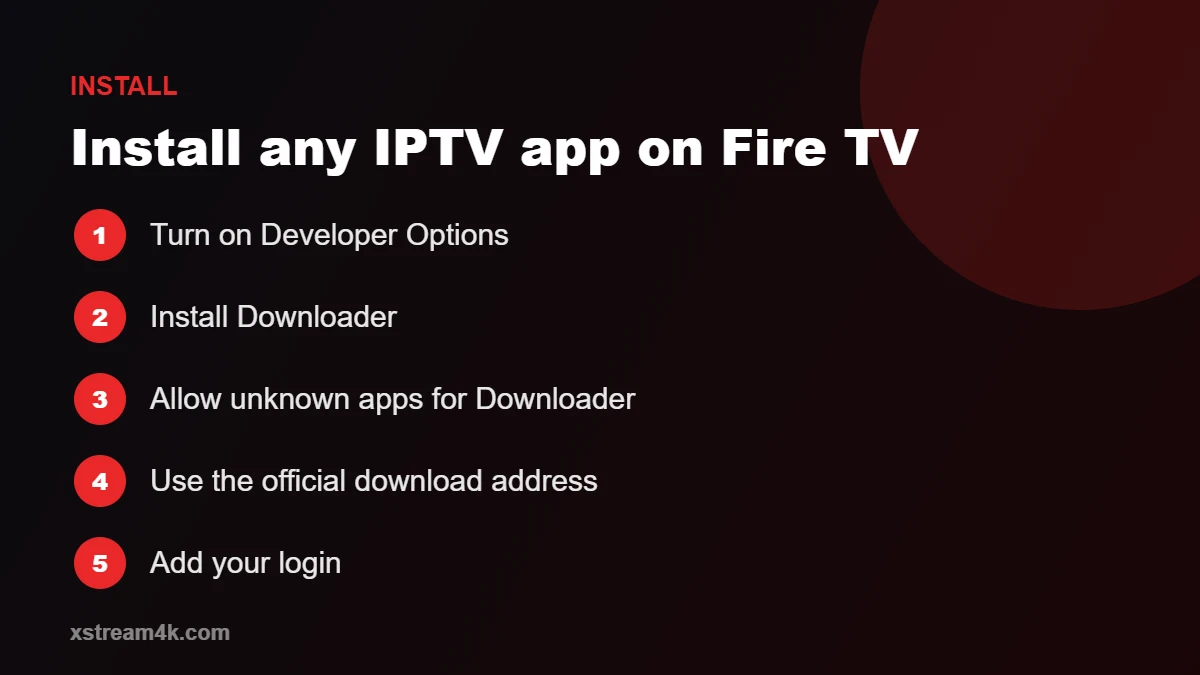
How to install any IPTV app on Firestick
Most IPTV apps are not in the Amazon Appstore, so they are installed with the free Downloader app:
- Turn on Developer Options: Settings > My Fire TV > About, then click your device name seven times.
- Install Downloader from the Appstore.
- In Developer Options, allow Downloader to install unknown apps.
- Open Downloader and enter the download address published on the app developer’s official website.
- Install, open the app and add your login.
Only download apps from the developer’s official site. Copies from unknown websites can be outdated or modified. Our IPTV Firestick tutorial covers each screen.
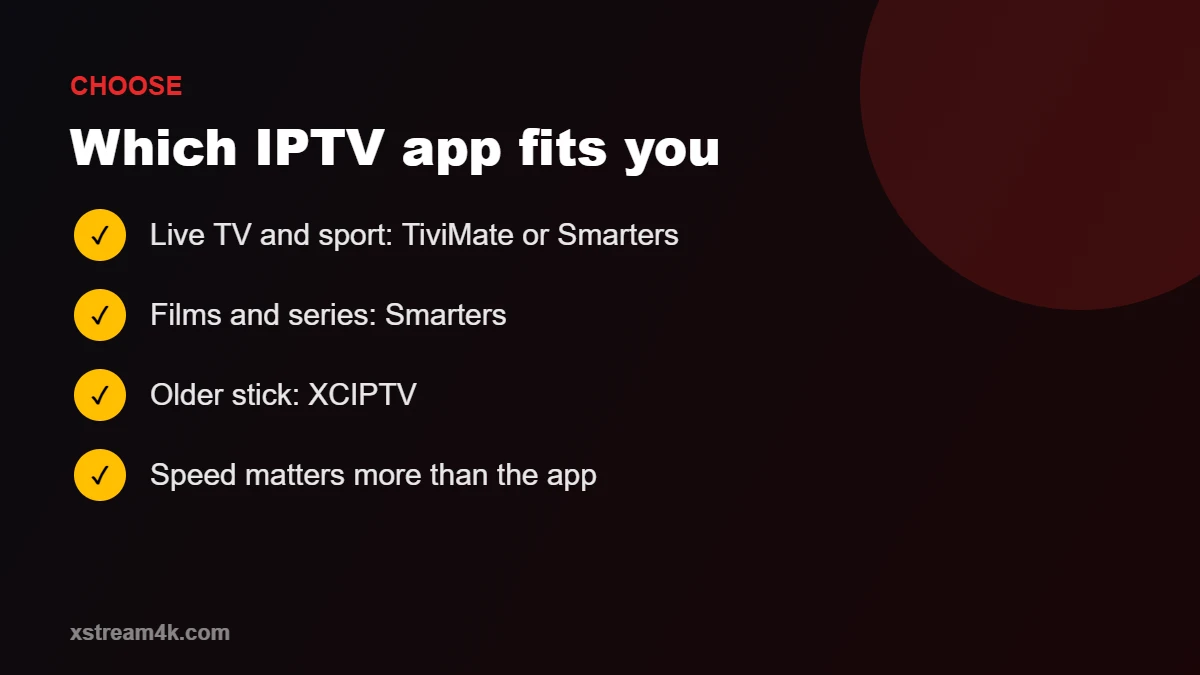
How to choose the best IPTV app for your Firestick
- Mostly live TV and sport: TiviMate or IPTV Smarters Pro.
- Mostly films and series: IPTV Smarters Pro.
- Older Fire TV Stick or Lite: XCIPTV.
- Several family members with different tastes: any app, with a multi-device plan; see single vs multi-device IPTV.
Whatever you choose, performance depends more on your connection and device than the app. A Fire TV Stick 4K Max on 5 GHz Wi-Fi or Ethernet gives the smoothest result; compare options in best devices for IPTV. Background on Amazon’s devices is on Wikipedia.
Frequently asked questions
What is the best IPTV app for Firestick for beginners?
IPTV Smarters Pro: it is free, accepts Xtream Codes logins and keeps live TV, films and series in clear sections.
Do IPTV apps include channels?
No. Apps are players. Channels come from your IPTV subscription login.
Can I use the same login in two apps?
Yes, but only the number of screens in your plan can play at the same time.
Why does my app buffer?
Usually Wi-Fi or a busy network. Read our IPTV buffering fixes.